Cheer Music Maker

Describe your team and your routine, and get two original cheer tracks back.

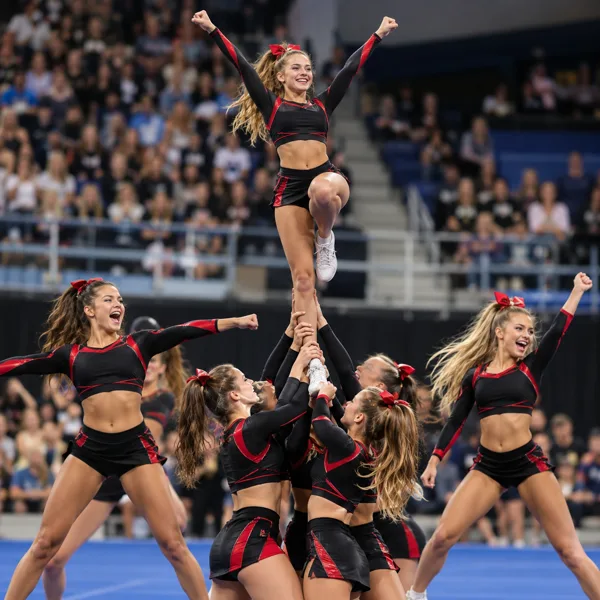
Wildcats Rising: Competition Cheer Mix
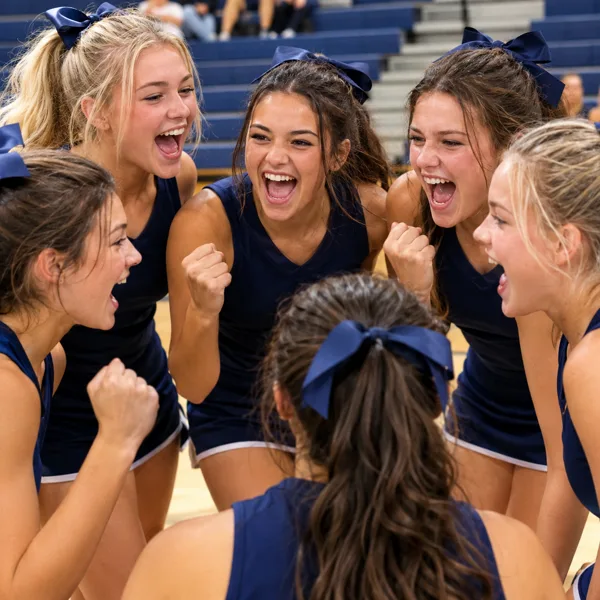
Hawks on Three: Cheer Voiceover Chant
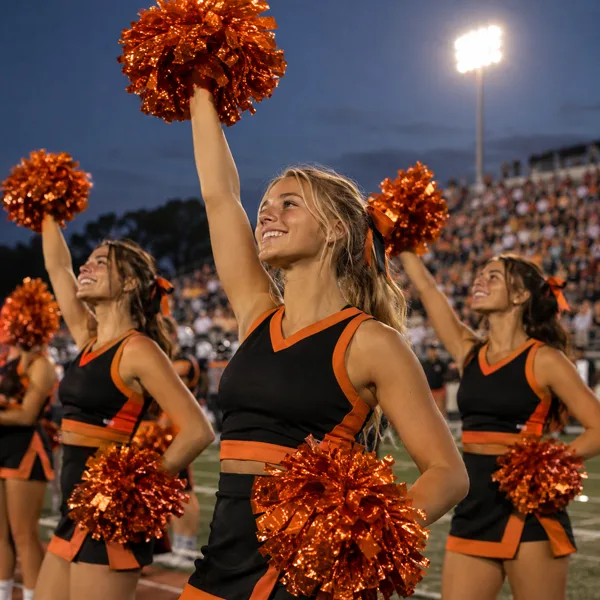
Friday Night Tigers: Game Day Sideline Chant
Cheer Music Maker Examples
Six tracks made with the cheer music maker. Each one is also a preset in the studio above, so you can start from the exact prompt that made it and swap in your own team name.
Wildcats Rising: Competition Cheer Mix
Hawks on Three: Cheer Voiceover Chant
Friday Night Tigers: Game Day Sideline Chant
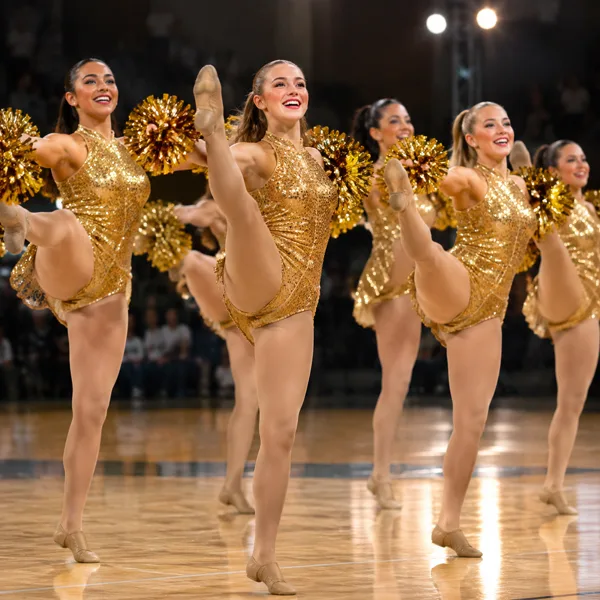
Spotlight Kick: Pom Dance Team Pop
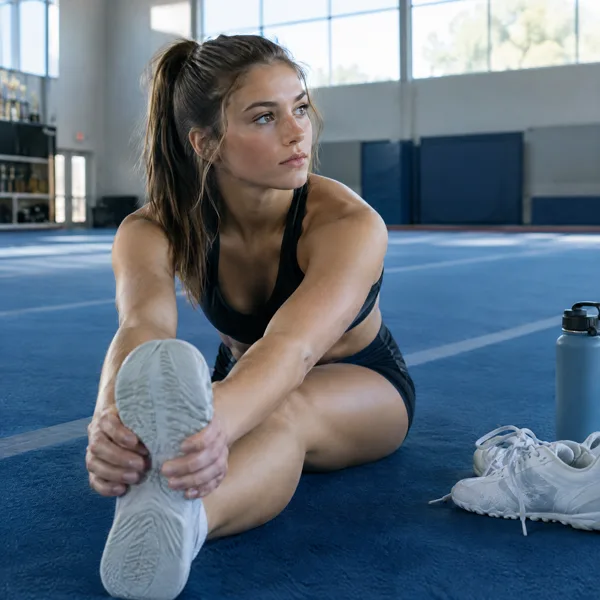
Mat Ready: Cheer Warm-Up Beat
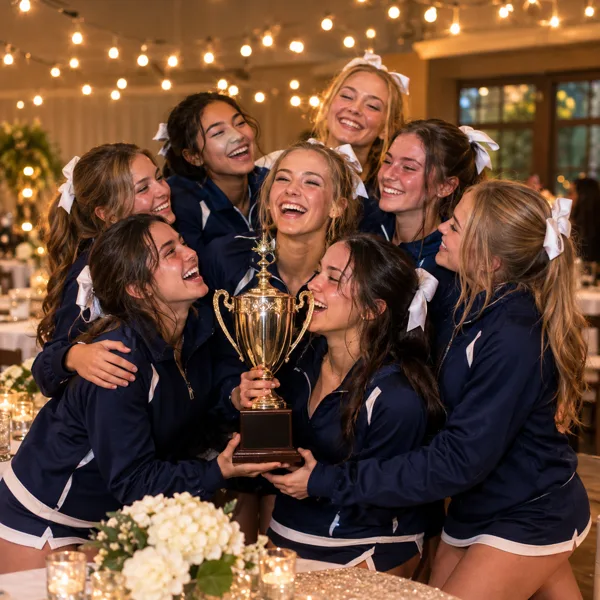
One Team, One Dream: Cheer Banquet Anthem
What Is a Cheer Music Maker?
A cheer music maker turns a short description of your team and your routine into finished cheer music. Tell it the team name, the energy you want and the sounds you need, such as booms on the eights, whooshes for the stunts and a voiceover shouting your name, and it writes the music, the chants and the vocals, then gives you two complete tracks to play at practice, on the sideline or on the mat.
Cheer music has its own rules. It has to land on the counts, hit hard where the stunts go up and keep the crowd and the judges with you for every second. Getting a mix made to order by a cheer music producer often costs hundreds of dollars and takes weeks, so many school squads and small gyms end up practising to the same playlist as everyone else. The Suno AI Music cheer music maker gets you an original track in about a minute, with two different takes every time.
Because the cheer music maker runs on the same studio as our full AI music generator, the first draft is only the start. Extend a track you like, rewrite a section, put your own chants in the Own Lyrics tab, or split the vocal from the beat so the voiceover sits exactly where you want it.
The best cheer prompts are specific. “Cheer music” gives you something generic; “a fast competition mix for the Wildcats with booming drops, whooshes and a voiceover spelling out the team name” gives you something your athletes will recognise as theirs. Name the team, the mood and two or three sounds, and you will hear the difference in the first eight counts.
Six ready-made cheer sounds
Competition mix, team voiceover, sideline chant, pom dance pop, a warm-up beat and a banquet anthem. Each preset fills the prompt with the exact recipe behind its example.
Your team name in the track
Put the team, the school or the mascot in the prompt and the cheer music maker writes it into the chants and the voiceover.
Two full tracks per run
Every generation returns two complete takes with different arrangements from the same prompt, so the coach and the team can vote.
Chants or instrumental
Keep the shouted chants and vocals, or switch on Instrumental Only for a clean beat to count over at practice.
Original music
Every track is new, not a remix of a chart song. On the Standard plan and above it comes with a commercial licence and a downloadable certificate.
Extend, edit and export
Make a track longer, replace a section, separate the vocals and download MP3, or WAV on Standard and above.
For all-star gyms
Competition Cheer Mixes
Describe the routine section by section: a big opening, a stunt sequence, the tumbling pass, the pyramid and the dance. The cheer music maker gives you a high-energy track with drops and hits to build the routine around, and a second take to compare. Trim it to your division’s time limit in any audio editor.
For voiceovers
Team Chants and Voiceovers
Ask for the team name shouted in unison, a call-and-response or the name spelled out letter by letter. A voiceover from the cheer music maker gives the routine its identity in the first five seconds, before anyone has left the ground.
For school squads
Game Day and Sideline Cheers
A drumline, crowd stomps and simple lines the stands can repeat. Make a sideline chant for Friday night football or basketball, then teach the crowd the chorus. Put the school and the mascot in the prompt so every line is about your team.
For dance teams
Pom and Dance Team Songs
Pom routines need a catchy vocal and sharp accents for the kicks and turns. Describe the mood and the tempo, and the cheer music maker writes a bright pop track that leaves room for the choreography.
For coaches
Practice and Warm-Up Beats
A clean instrumental on a steady 8-count is the easiest thing to stretch, drill and count over. Make a few at different speeds and keep them in a practice playlist that never gets old.
For the end of the season
Banquet, Senior Night and Showcase Songs
Write the season into a song: the early practices, the falls and comebacks, the seniors leaving and the trophy you won together. Play it at the banquet or under the season slideshow and watch the whole team sing the chorus.
How to Use the Cheer Music Maker
From a routine idea to a finished cheer track in four steps.
Pick a preset or describe one
Choose one of the six presets under the prompt, or write your own: the routine, the energy, the voice and two or three sounds.
Add your team
The team name, the school, the mascot and the colours. Write the name the way you want it shouted; spell it out if it is unusual.
Generate two takes
Press Generate. In about a minute the cheer music maker puts two full tracks in your library, ready to play.
Practise, edit and download
Run the routine to both takes, keep the one that fits, extend it or change a section, then download the MP3 for the speaker.
Cheer Sounds the Maker Knows
Name these in your prompt and the cheer music maker changes the beat, the effects and the voices to match.
- 8-count beats
- Cheer counts in eights. Ask for a fast 8-count beat and a boom on every eight so the team can hear where each count starts.
- Booms, hits and whooshes
- The sound effects that sell a stunt: a whoosh as the flyer goes up, a hit when she lands, a boom for the pyramid.
- Voiceovers
- A shouted intro with the team name, a hype voice calling the section, or the whole squad yelling together.
- Drops and tempo changes
- A build and a drop for the big moment, or a slower section for a dance break. Describe where you want them.
- Drumline and crowd
- Marching drums, stomps and claps for sideline cheers and pep rallies that the crowd can join.
- Pop and EDM
- Most competition mixes sit between dance pop and EDM. Ask for either, or for hip hop if the routine is sharper and harder.
Why Use Our Cheer Music Maker
Hear it before you prompt it
Every preset has an example you can play, so you know what a prompt does before you spend a credit on it.
Made for your team
Your name, your mascot and your energy in the track, instead of the same song the gym across town is using.
Fast enough for this season
About a minute per run, so you can try a dozen ideas in one practice instead of waiting weeks for a mix.
Latest Suno models
Start on v6 Mini; v6 and v6 Wild are on paid plans for richer vocals and harder-hitting mixes.
One studio for the whole job
Generate, extend, replace a section, separate the vocals and make a hype video from the same library.
Clear licensing
Original output, with a commercial licence and downloadable certificate on Standard and above.