
TL;DR
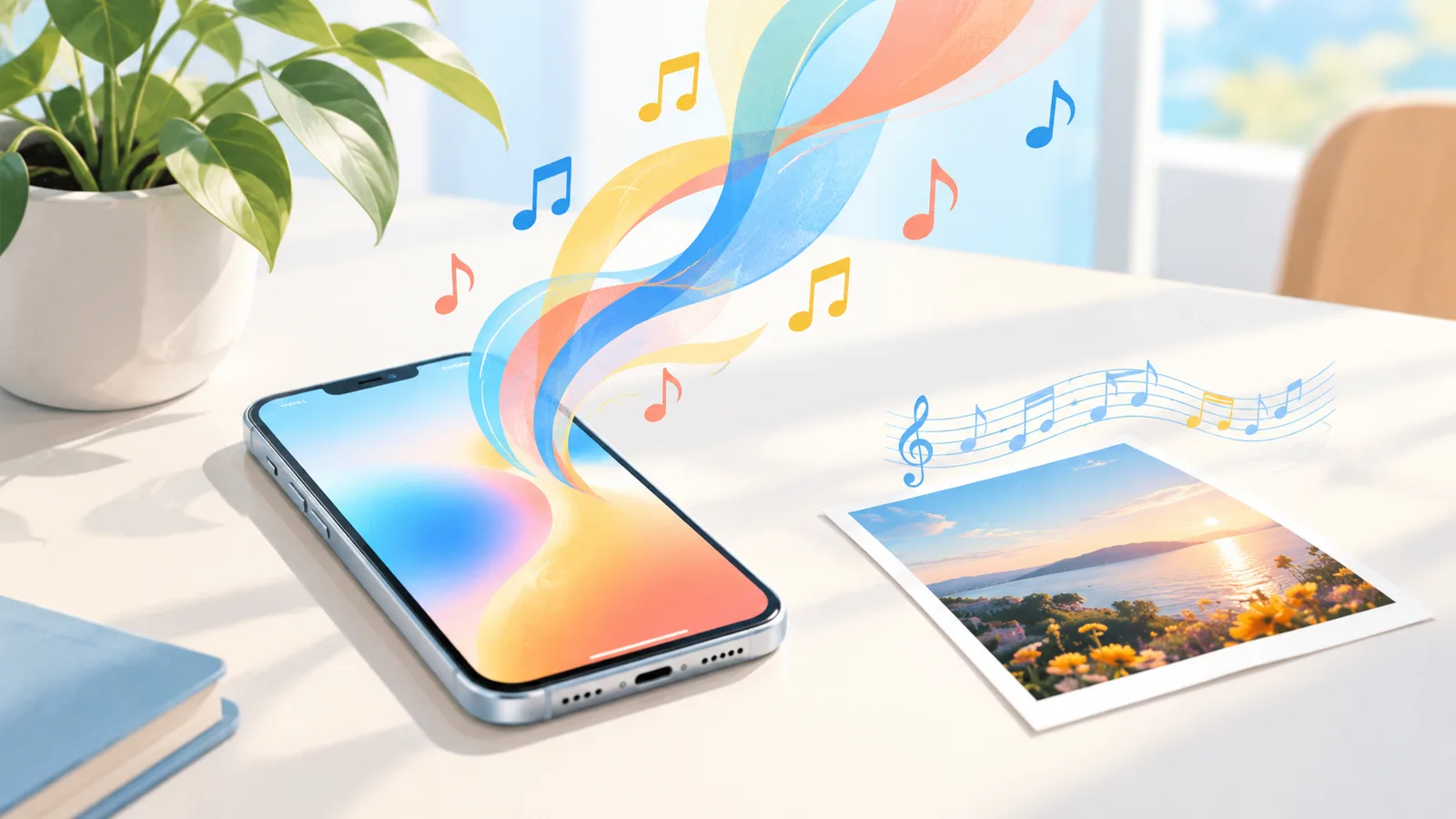
On September 4, 2026 Google put Lyria 3.5, its music generation model, into the Gemini app for all users and into the Gemini API for developers, after a July debut inside Google Flow Music. Google calls it its best-sounding music model: more expressive vocals, richer arrangements, full songs a couple of minutes long with verses, choruses and bridges, a length you can steer, your own lyrics, a vocal-or-instrumental choice, and a party trick — turn an image into a track. It is a real step, and it makes Gemini the most accessible place to hear what Google's music research sounds like. What it is not is a music workbench: there is no library of your songs with extend, cover, section-replace and stem tools around them, which is the part that turns a good generation into a finished record. That is what Suno AI Music is for, and Suno v6 Mini is available today on its free tier, with v6 and v6 Wild on the paid plans.
Updated September 23, 2026: Suno launched its v6 family on September 9, so the comparison below now uses Suno v6 instead of v5.5.
In this guide
- What Lyria 3.5 is
- What's new versus Lyria 3
- How to try it
- Lyria 3.5 versus Suno v6
- What it means if you make music for a living
- FAQ
What Lyria 3.5 is
Lyria is Google DeepMind's family of music generation models. Lyria 3 arrived earlier in 2026 in two flavours — Clip, which returns exactly 30 seconds and is meant for loops and prompt testing, and Pro, which generates 30 seconds to three minutes and reached Google Vids in April for paid subscribers — every track carrying Google's inaudible SynthID watermark, reachable through the Gemini API and AI Studio.
Lyria 3.5 is the successor. It first shipped on July 29, 2026 inside Google Flow Music, Google's tool for AI creatives, where Google described improvements across musicality, lyrics and vocal quality. The September 4 release is the distribution moment: the model is now in the Gemini app (web and mobile, all users globally), in the Gemini API and Google AI Studio for developers, and in Google Vids.
Google's own description: its best-sounding music generation model, with more expressive vocals and richer arrangements than earlier versions, at higher fidelity.
What's new versus Lyria 3
From Google's announcement and the launch coverage, the changes that matter to someone actually making a track:
- Full songs, steerable length. Google describes tracks "lasting a couple of minutes with distinct verses, choruses and bridges", and you steer the duration in the prompt — developers can use explicit timestamps — while the Gemini app offers short or longer tracks. Lyria 3 Pro's ceiling was already three minutes; 3.5's advance is coherence across a whole song structure rather than a longer clip.
- Vocals and arrangement. "More expressive vocals, richer musical arrangements" is Google's phrase. Early listening reports describe a clear step up in vocal realism from Lyria 3, which had been the family's weak spot next to Suno and Udio.
- Your lyrics, or generated ones. Write the words yourself — custom lyrics go inside the prompt with the same section tags Suno users know,
[Verse],[Chorus](the tags guide applies almost verbatim) — or describe a theme and let the model write them, and choose vocal or instrumental. - Guided creation in Gemini. Select or describe a genre, pick vocal or instrumental, and start from templates for "anything from background music to custom birthday tracks".
- Image to music. Upload a picture — the API accepts up to ten — and the model composes to match it. Lyria 3 introduced this; 3.5 carries it into the Gemini app where anyone can use it.
- Everywhere Gemini is. The practical headline. A music model most people had to reach through an API or a third-party site is now one tap away in the assistant they already have.
What has not changed: every track still carries the SynthID watermark (output is 44.1 kHz stereo), and the API remains the route for anything programmatic.
How to try it
In the Gemini app. Open Gemini on the web or phone, ask for a song — describe the style, the mood, what it is about, or paste lyrics — and choose a length. For the image route, attach a picture and ask for music that matches it. Google says the model is available to all Gemini users globally; some features may still be rolling out by region.
In Google Flow Music. Google's creative tool is where Lyria 3.5 debuted and where artists get the fuller set of controls.
In the API. Developers reach Lyria 3.5 through the Gemini API and Google AI Studio. Google's launch material does not state a per-track price for 3.5; check the Gemini API pricing page before building on it.
If your aim is to hear the model, the Gemini app is the two-minute route and costs nothing to try.
Lyria 3.5 versus Suno v6
Different products with a different centre of gravity, so a feature table is more honest than a verdict.
| Google Lyria 3.5 | Suno v6 on Suno AI Music | |
|---|---|---|
| Where you use it | Gemini app, Flow Music, API | The create page — a workbench with a library |
| Song length | A couple of minutes, steerable in the prompt | Full-length songs, extendable in passes with extend |
| Lyrics | Your own (with [Verse] / [Chorus] tags) or generated | Your own (Custom mode) or generated (Simple mode); a 1-credit lyrics generator with structure tags |
| Vocals | "More expressive" than Lyria 3; vocal or instrumental, style described in the prompt | Suno's v6 family (v6, v6 Wild, v6 Mini); vocal descriptors and Vocal Gender control |
| Image to music | Yes — up to ten images via the API | No |
| Two takes per run | Not the model's default | Yes — every generation returns two |
| Editing the result | Regenerate | Extend, cover in a new style, replace a section, separate vocals — all from the library |
| Rights | Google's terms; SynthID watermark on every track | Copyright-free; commercial licence with certificate on Standard and above |
| Cost to start | Free in Gemini | 16 free credits (one 10-credit generation, two songs, on v6 Mini); v6 and v6 Wild on paid plans |
Where Lyria 3.5 wins outright: reach and the image-to-music trick. Anyone with a phone can make a song today without signing up for anything, and no one else composes to a photograph.
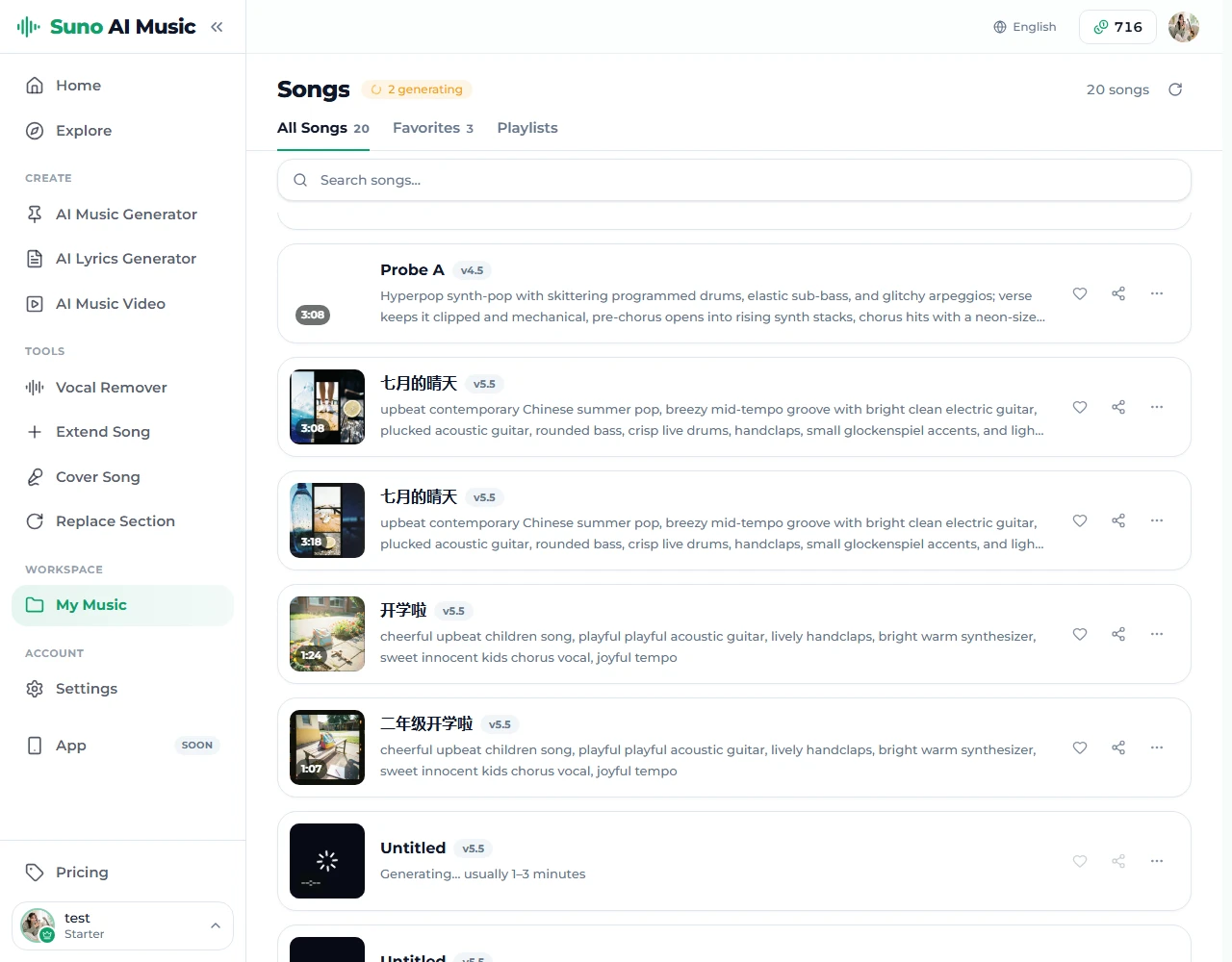
Where a workbench wins: everything after the first generation. A song is rarely right the first time. The two-takes-per-run default, and the tools that let you keep the good half of a take and fix the rest — extend from a bar, re-perform in a new style, rewrite one section, pull the vocal off — are the difference between a demo and a finished record, and they need a library that all the tools read from. Gemini is a chat; a chat has no library.
On raw sound, both are strong, and taste decides. The fair test is the same prompt in both, two takes each, listened to twice.
What it means if you make music for a living
Three practical notes rather than predictions:
- The floor has risen again. With Google, Suno and Udio all producing convincing vocals, "AI-sounding" is no longer a reliable tell, and the differentiator has moved to taste — the prompt, the edit, the choice of take. That skill transfers between tools; the prompts guide applies to Lyria as much as to Suno.
- Distribution is now the fight. Putting a music model in Gemini is about reach, not just quality. Suno answered five days later: on September 9, 2026 it launched its v6 family, trained on licensed music (what's new in Suno v6).
- Rights will decide what you can publish. A watermark tells platforms a track is AI-made; a licence tells them who may monetise it. Read both before a track goes anywhere public. On Suno AI Music the commercial licence, with a downloadable certificate, comes with the Standard plan and above and covers covers, extensions and stems of the song.
FAQ
Is Lyria 3.5 free?
In the Gemini app it is available to all users globally at no charge to try. The API and Flow Music have their own pricing; check Google's current pages.
How long can a Lyria 3.5 song be?
Google describes full songs "lasting a couple of minutes" with verses, choruses and bridges, and you steer the duration in the prompt (developers can give explicit timestamps); the Gemini app lets you choose short or longer tracks. Lyria 3 Pro's ceiling was three minutes.
Can Lyria 3.5 sing my lyrics?
Yes. Custom lyrics go inside the prompt with [Verse] and [Chorus] section tags, or you can have them generated around a theme; you can also choose an instrumental.
Can I use Lyria 3.5 on Suno AI Music?
No. Suno AI Music runs Suno's models — v6 Mini free; v6 and v6 Wild on the paid plans. This article is a comparison, not an integration.
Which sounds better, Lyria 3.5 or Suno v6?
Both are strong; there is no honest one-word answer. Try the same prompt on both and keep the take you prefer. The difference you will feel more is what you can do with the result afterwards.
Does Lyria 3.5 output have a watermark?
Yes — every track carries Google's SynthID watermark, imperceptible to the ear. A watermark covers Google's obligations as the model provider; if you publish the track, platform disclosure rules are still yours to follow.
Final take
Lyria 3.5 is the most accessible AI music model there has ever been, and it sounds like it. Try it in Gemini today; it is free and takes two minutes. Then notice what you want to do next with the song you like — make it longer, change its style, fix one line, take the vocal off — and that is the moment to bring the idea to a workbench. Suno v6 is on the create page with the paid plans, with two takes per run and the whole toolset behind it.